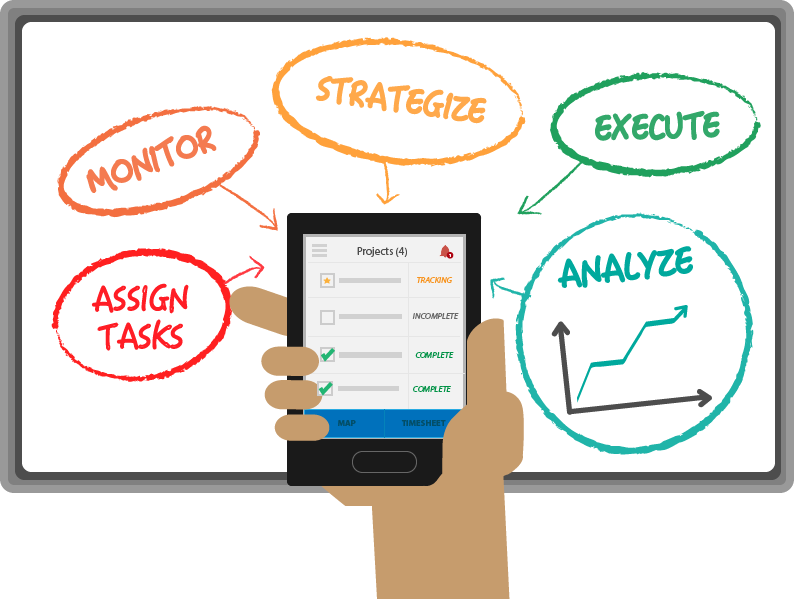
To start managing your workforce and their projects with TrackEnsure’s time and location tracking service, you will need to get started by creating an account and connecting devices.
Create a manager's account in TrackEnsure's web app to begin managing, planning and assigning work.
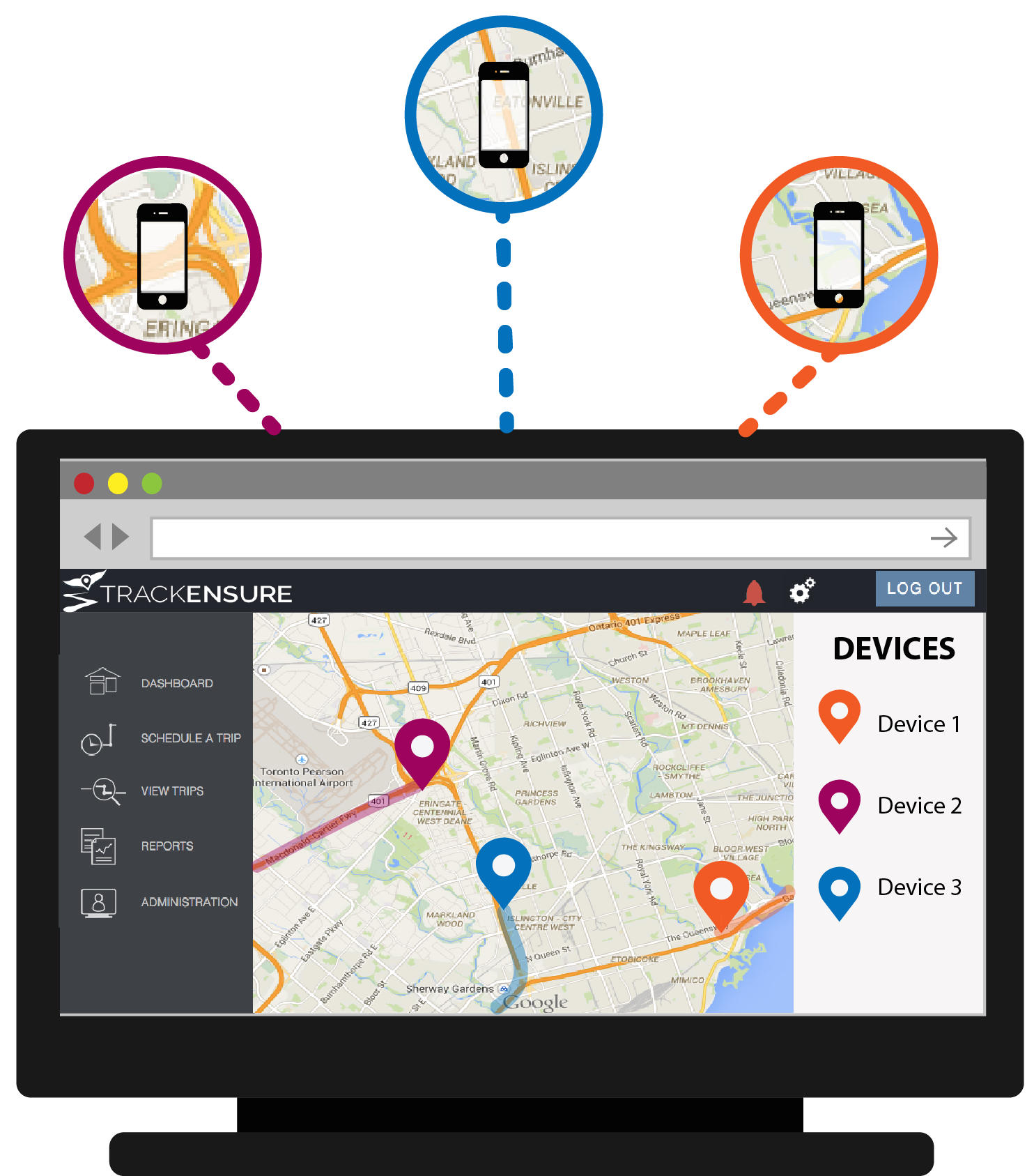
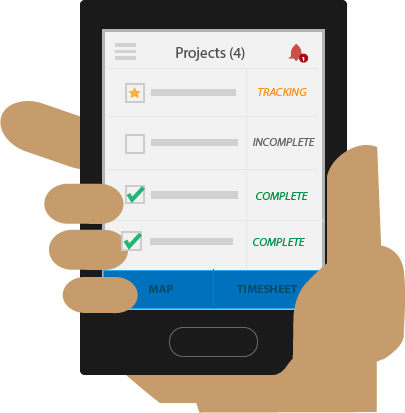
Managers can assign projects to workers or a team. Workers will see unfinished projects that are available for them and will be able to select them to begin tracking their time and location.
For each project that has been started by an employee, managers can view tracking information, timesheets and maps of projects in the web app
See your workers timesheets with a history of their locations while on duty throughout their schedule.
Or, look at the timesheets of each project to see how time was spent and where the project took place.
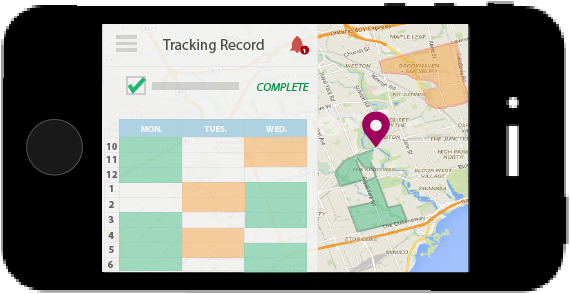
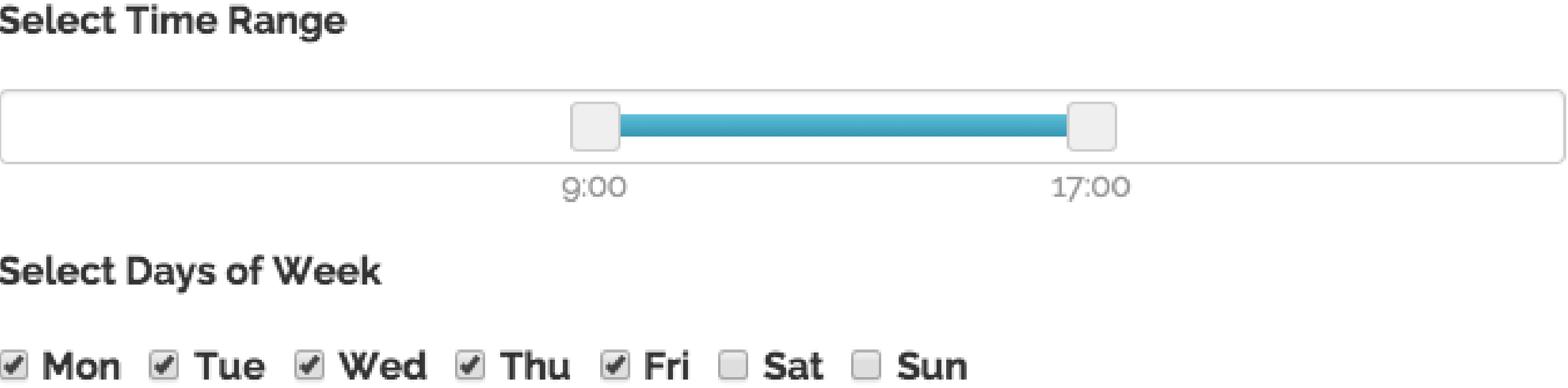
Respect your workers’ privacy during off hours and holidays. You can add and update the schedules so that you will not be tracking when your workers are off duty, even if they leave the app running on their mobile device.
Check when they signed in and off and where and what they were working on throughout the day.
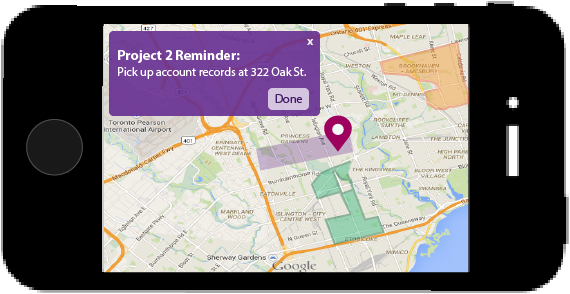
TrackEnsure makes your to-do’s more efficient by allowing you to send reminders out when you reach a place or when you are close to a place.
You or your team can set up reminder zones at ceartin locations. When the team member reaches the zone, they will receive the reminder for that zone.
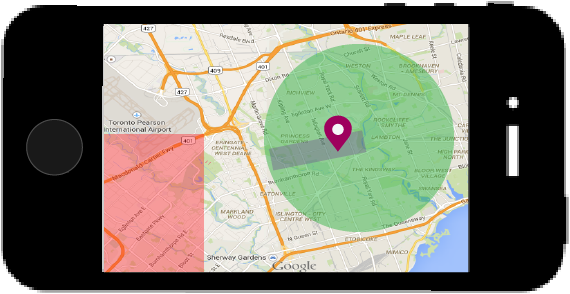
Split up areas into work areas for each of your workers or teams or set up zones you want your workers to stay out of. You and your workers will be notified if these zones are violated with an alert message.
