If you are planning a trip, setting up a tour or sight-seeing, start by signing up for a TrackEnsure account and connecting mobile devices.
Create an Account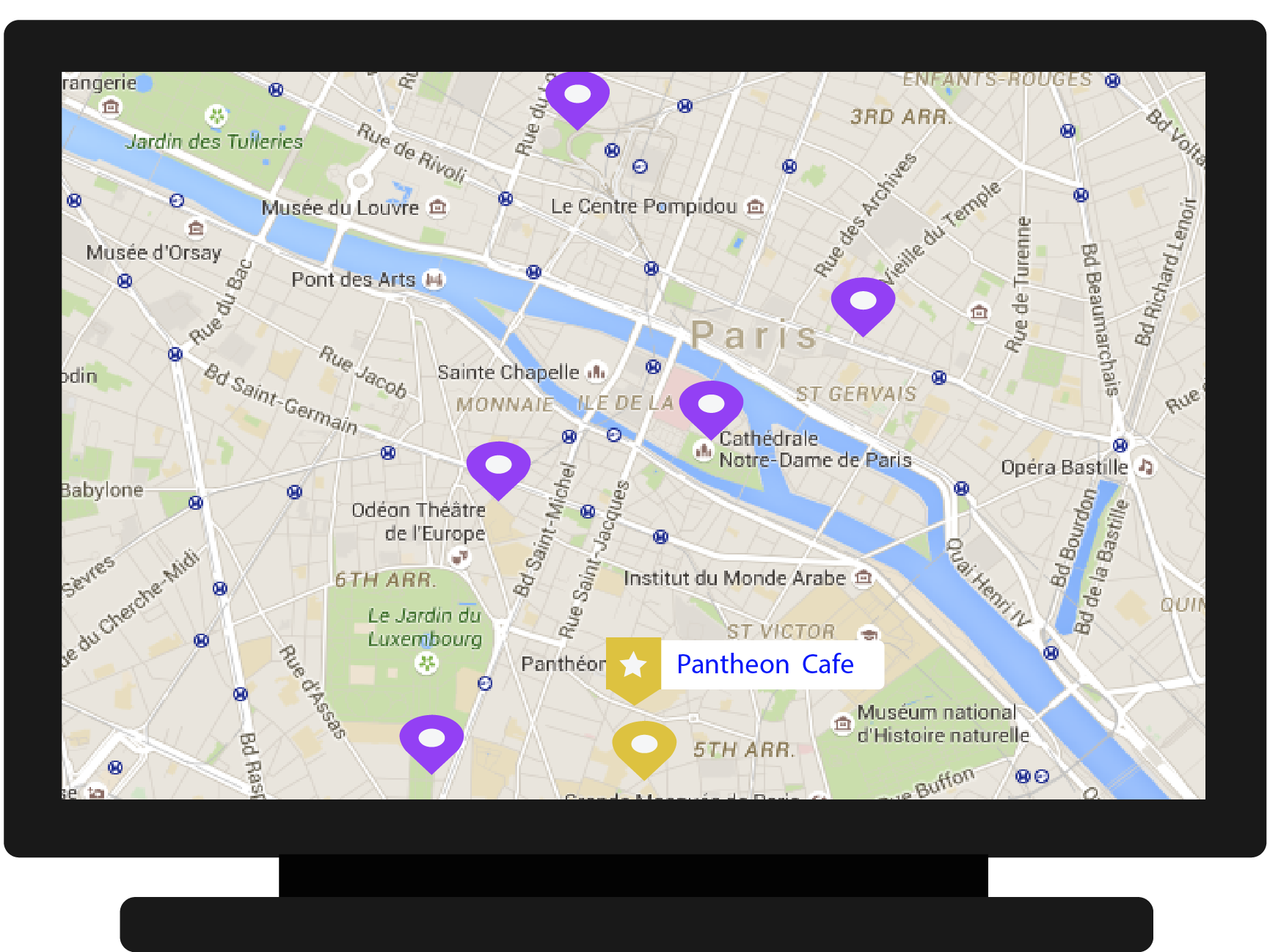
Start planning your trip by entering places you would like to go and see in your web account.
Add descriptions to each place and even files and links for tickets, coupons or more information you might need to access when you get there.
When you’re done this information will be shared with all your connected mobile devices and accessible through the TrackEnsure mobile app, so all your fellow travellers can see your plan.

You will be able to create a route and share it with others.
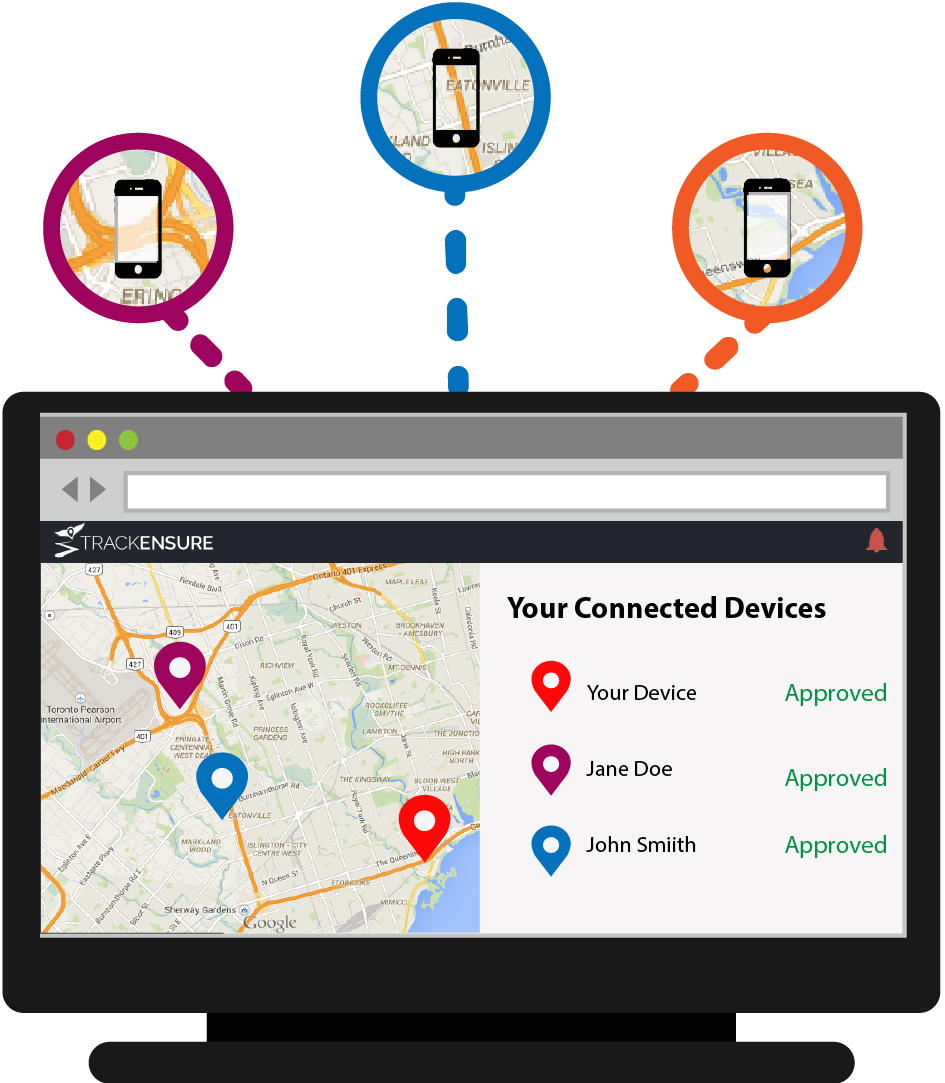
When you sign up for a web account you will receive a 5 digit PIN that can be shared with others. Ask others to download the TrackEnsure mobile app and enter your PIN so that you can connect. Each device will appear within a list on the web account and mobile app.
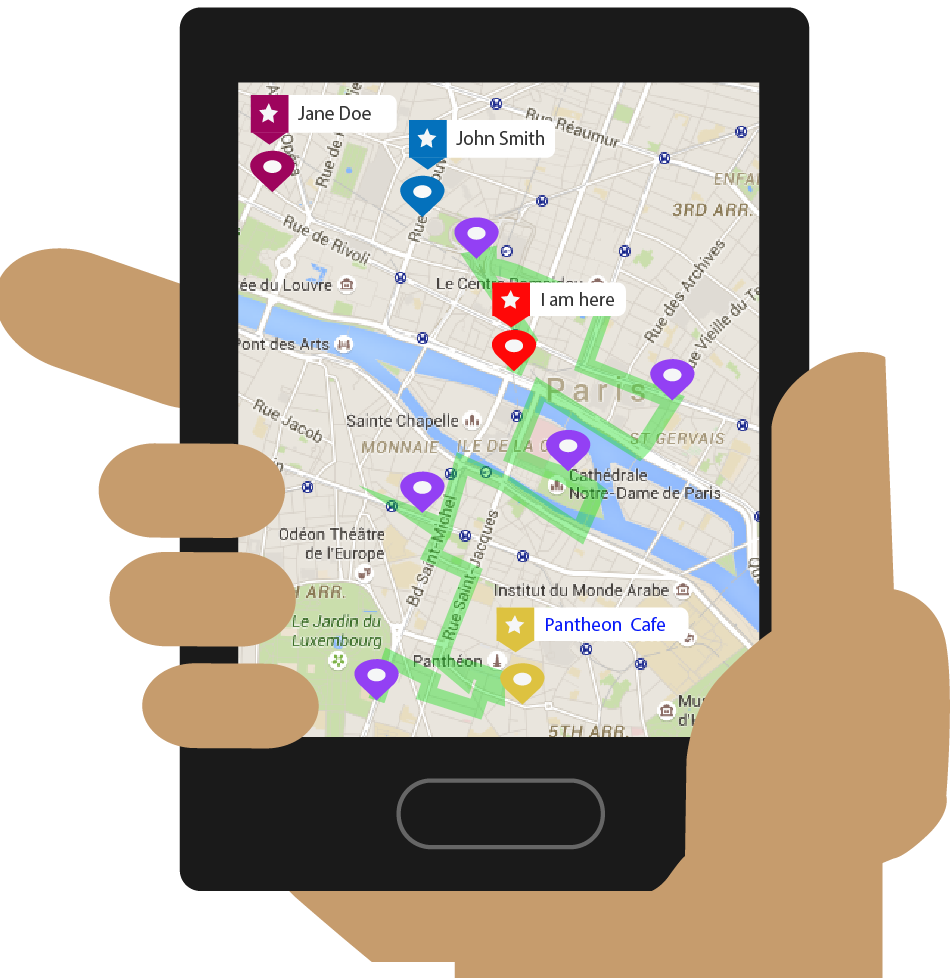
The TrackEnsure App will always show you where you are, so you can navigate easily but you can also share your location with other devices that are connected to your trip so you can find each other easily.
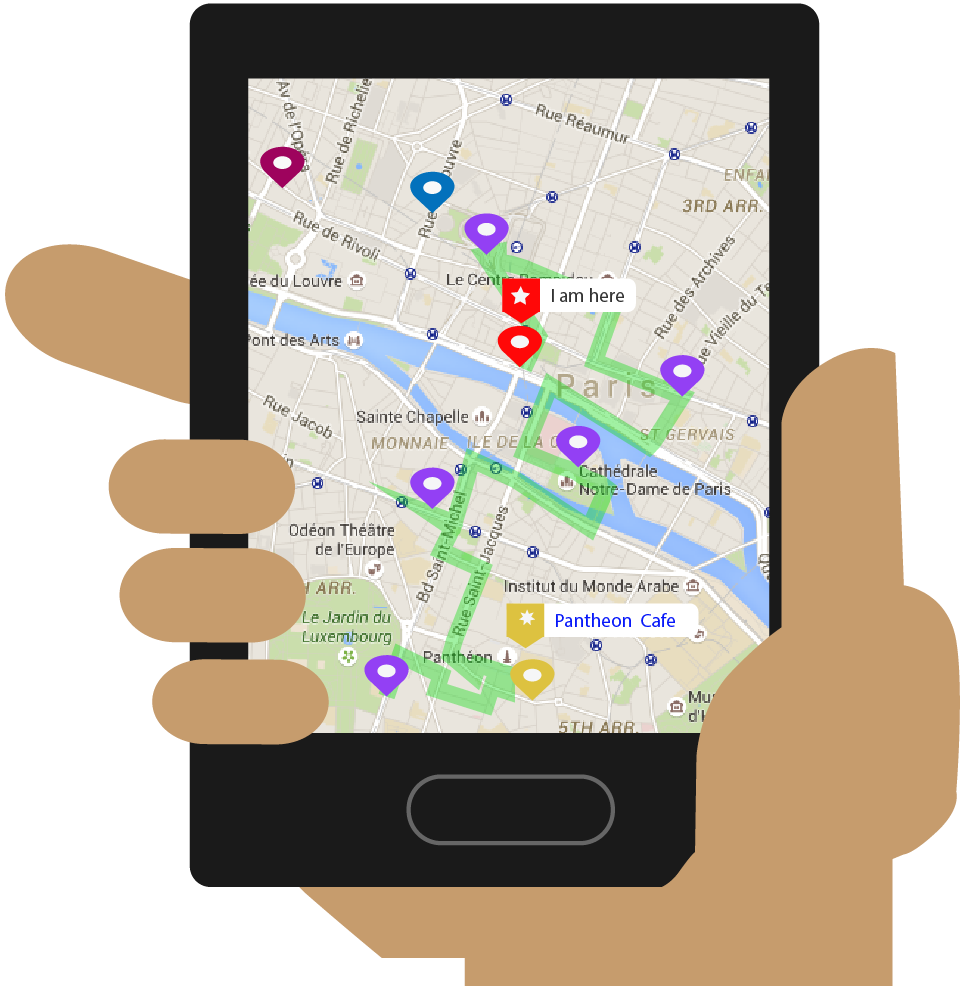
You can set up a place to meet with your group at the beginning, during, or end of your trip.
Check the app when you reach a point of interest to see who else is there.
Want to message the people in your trip about a certain place? Use the messaging service in our app to give context to your messages. Your trip members will know when and where you sent the the message.
