You’re parked at a truck stop with 40 minutes before your next window opens. Something on your log needs to be sorted out. You call support, and you wait — because everyone else who needs something is calling at the same time.
That’s the problem the new TrackEnsure Telegram bot solves. It’s a second way to reach our support team: written, on your phone, without a phone queue. You open a request, the system collects the basics, and an agent picks it up and messages you directly.
For a lot of situations it’s simply faster. For drivers who’d rather write than talk — or who’d rather not explain something over a bad connection at a noisy fuel island — it’s also easier.
How to get access
The bot isn’t something you find by searching Telegram. Access comes through a unique link that our support team emails you.
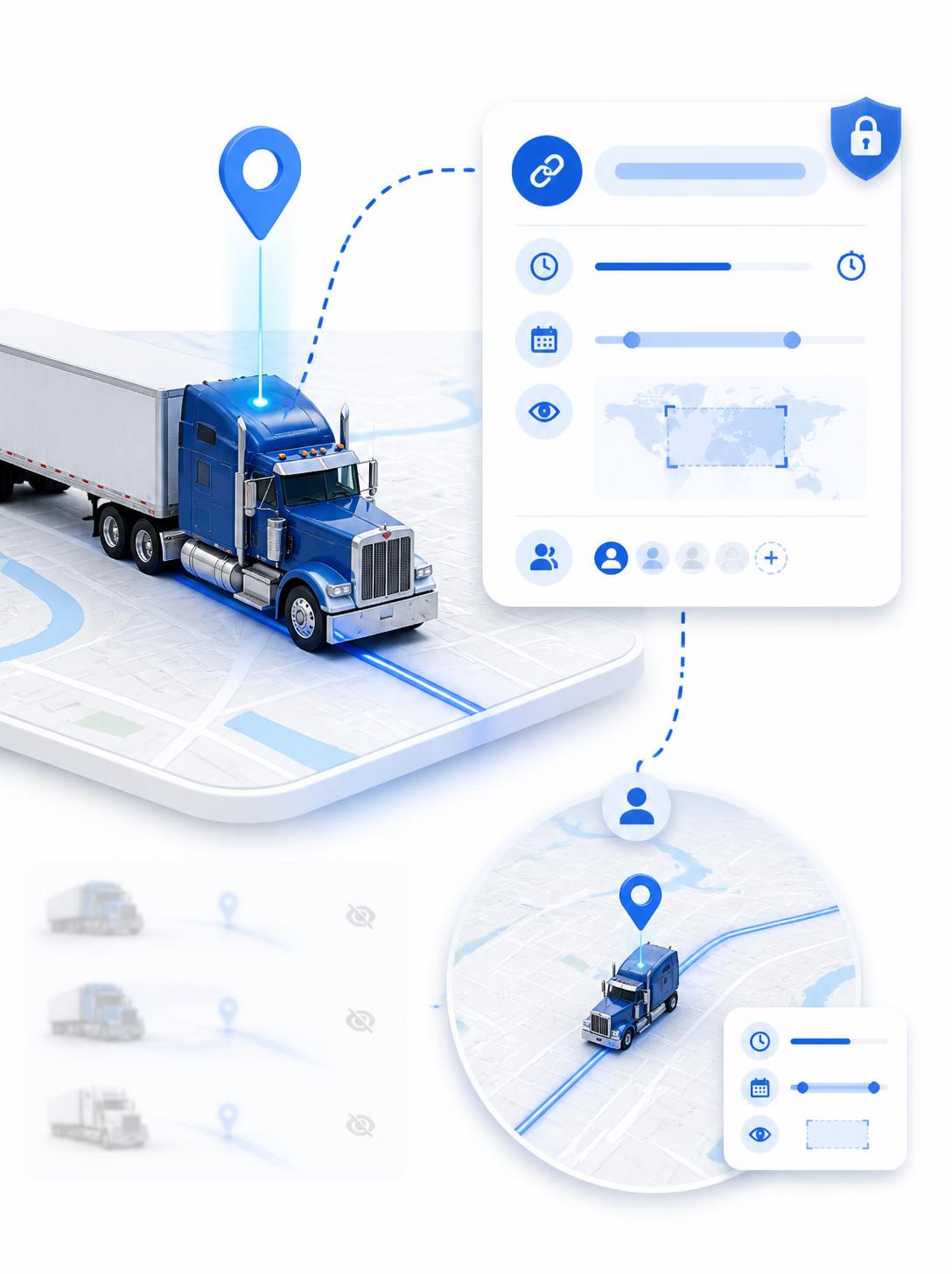
If you want it, contact support and ask for the Telegram support link. That’s deliberate: because access is issued individually and tied to your driver profile, nobody else can open requests on your account.
What it looks like from your side
The whole flow takes a couple of minutes.
- Press Start. Tapping your link opens the bot. Press Start to begin.
- Pick your language. English, Ukrainian, or Russian. Everything after that appears in the language you chose, and the agent responds in it too. One thing to know: the language can’t be switched mid-request. If you pick the wrong one, cancel the request, press Start, and choose again.
- Verify with your phone number. Tap the Phone number button and confirm. The bot checks that number against your driver profile — this is how it knows it’s actually you. Nothing is entered manually, and the number with or without a “+” works either way.
- Share your location. The bot asks you to share your current position as part of the verification step, so make sure location services are on before you start. The location message is cleared from the chat automatically after a few seconds.
- Answer a few quick questions. Tap-to-answer, no typing: whether you’re currently under load, what kind of BOL you have, and whether you’ve had any DOT inspection or scale paperwork in the past week.
- Describe your request. This is the one step where you type freely. Explain what you need in your own words.
Then you’ll see that your request is pending, and shortly after, “Agent joined” — from that point you’re in a normal back-and-forth chat with a real person on our support team.
Why the questions come first
Those tap-through questions exist so the agent isn’t starting from zero.
By the time someone picks up your request, they can already see your profile, your answers, and your description. That removes the part of every support call where you spend four minutes on background before anyone can actually help. Your answers stay attached to the request, so if it gets handed to someone else, the context travels with it.