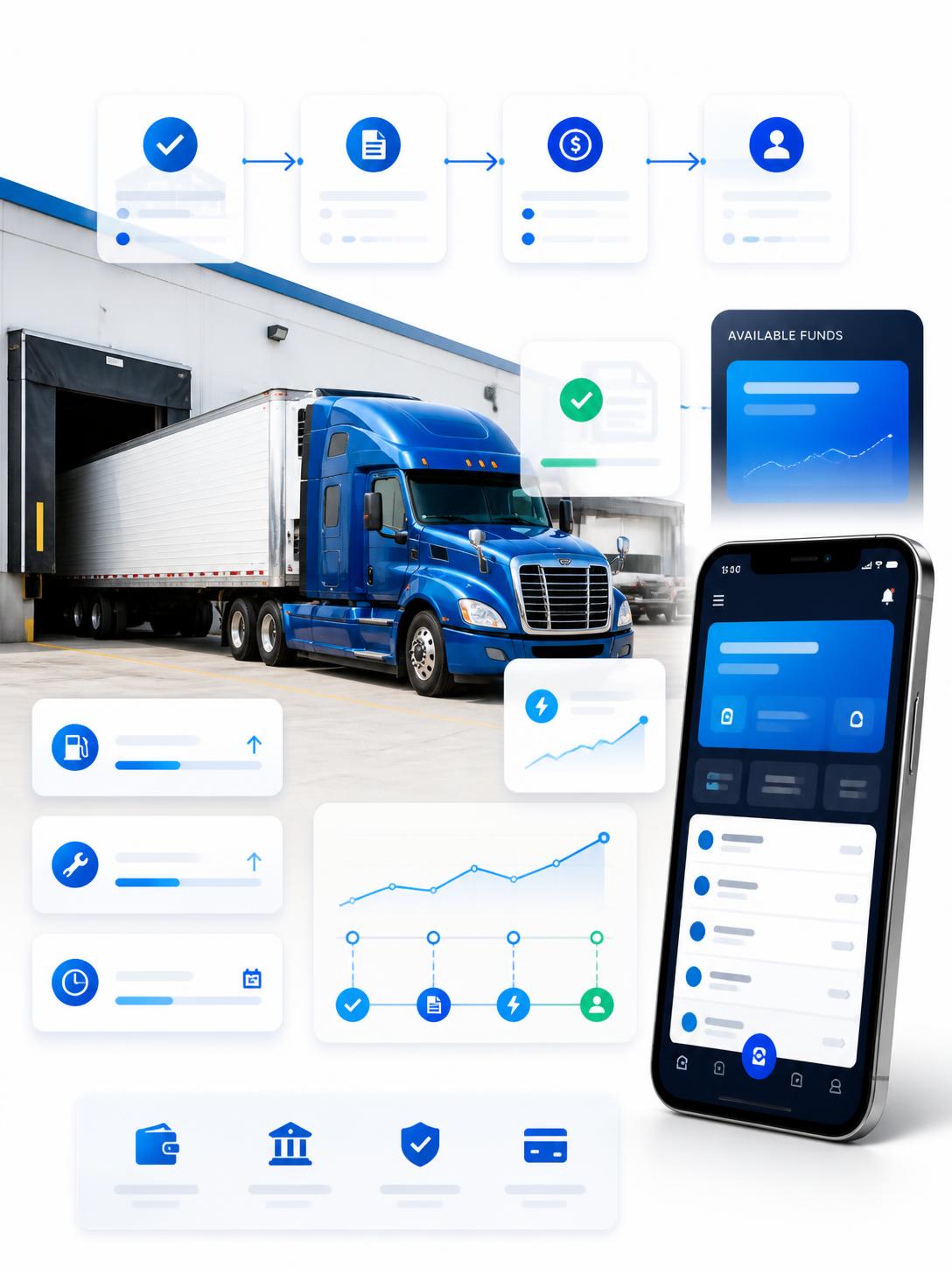
Every dispatcher knows the rhythm of the check call. A broker wants an ETA. Twenty minutes later the shipper wants the same thing. Then the broker again, because their customer asked. Nobody is being unreasonable; they all need to know where the freight is. But answering it manually means a dispatcher spends a meaningful part of every day reading positions off a screen and repeating them into a phone.
The obvious fix — give the broker access to your tracking system — is a bad trade. Now a third party has a login, sees your whole fleet, and keeps that visibility long after the load delivers.
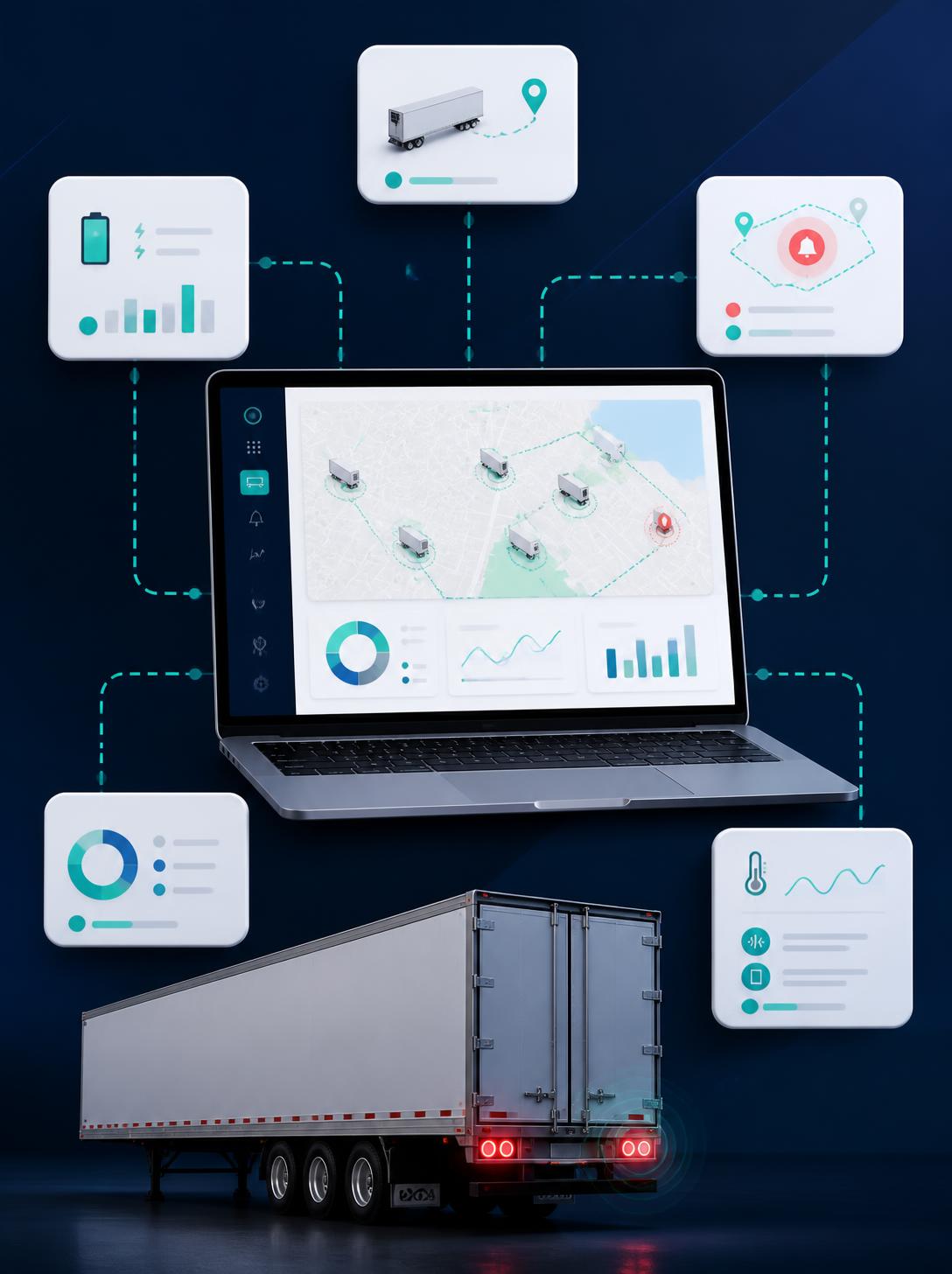
TrackEnsure’s Truck Location feature is the middle path: generate a link for one vehicle, valid for a specific window, and send it. The recipient sees the movement they need. When the window closes, the link stops working.
How it works
Tracking links live in the Trucks and Trailers tabs. Find the vehicle, click Truck Location (or Trailer Location), and add a link.
For each link you set:
- A start and end date and time — the window during which the link works
- A label and description — so you can tell later which link was for the pickup, which was for a specific delivery, and who it went to
- Movement history visibility — whether the recipient sees only the current position or the full trail of movement within that window
You can create multiple links on the same vehicle simultaneously, each with its own window and audience. A short link for the shipper covering just the delivery appointment, a longer one for the broker covering the whole run, both live at once and expiring separately.
Existing links can be edited, copied, or deactivated early if a load falls through.
You can see who actually looked
Each link keeps an access log, including IP addresses and activity status.
This is more useful than it sounds. When a broker says nobody told them the truck was delayed, the log shows whether the link was opened and when. It also tells you whether a link you sent to one contact is being viewed from several places — which usually means it’s been forwarded around, and is worth knowing.
Share the minimum, not the maximum
This is the part worth thinking about before you start sending links widely.
A vehicle’s location is also a driver’s location. A link with full movement history shows where that person stopped, for how long, what route they took, and where they were before the load ever started. Some of that will be off-duty time. Some of it may be their home.
There are also commercial reasons to be careful. Full movement history hands a broker a picture of your lane patterns, your other stops, and how you actually route freight.
So the practical default: give each recipient the narrowest view that answers their question.
- A shipper who just wants to know if the truck is close needs current position only, for a few hours. Leave history off.
- A broker managing a multi-day run may need history — but scope the window to the load, not the month.
- Close links early when a load delivers rather than letting them run to expiry.
Time-boxing is a real safeguard: once the window ends, the link is dead and the detailed data behind it is no longer reachable. It isn’t a substitute for care about what you turn on in the first place, though. A live link is only as private as the inbox you sent it to, so treat it as shareable by default and scope it accordingly.
Being able to say this clearly to your drivers matters too. “We share your current position with the customer during the delivery window, and nothing more” is a policy drivers can accept. Untimed, full-history access to anyone who asks is how tracking becomes a morale problem.
Trailers, not just trucks
The same link system works from the Trailers tab. That’s often where the harder questions are — a trailer sitting in a customer’s yard is exactly the thing nobody can locate on a phone call, and a link answers it without anyone having to walk the lot.