Fuel is usually the second-largest line item in a fleet’s budget, right after driver pay. It’s also the easiest place for money to quietly disappear.
Not always through anything dramatic. A card number gets shared. A driver fills a personal vehicle on a company card. An attendant runs a transaction for fuel that never went into the tank and splits the difference. Individually, these look like rounding errors on a statement. Across a year and a few dozen trucks, they add up to real money — and most fleets only find out when someone finally sits down and reconciles fuel receipts against mileage.
That’s the problem the new TrackEnsure fuel module was built to solve. Instead of catching fraud after the fact in a spreadsheet, it checks every fuel request as it happens and blocks the ones that don’t make sense.
The basic idea: does the truck’s location match the transaction?
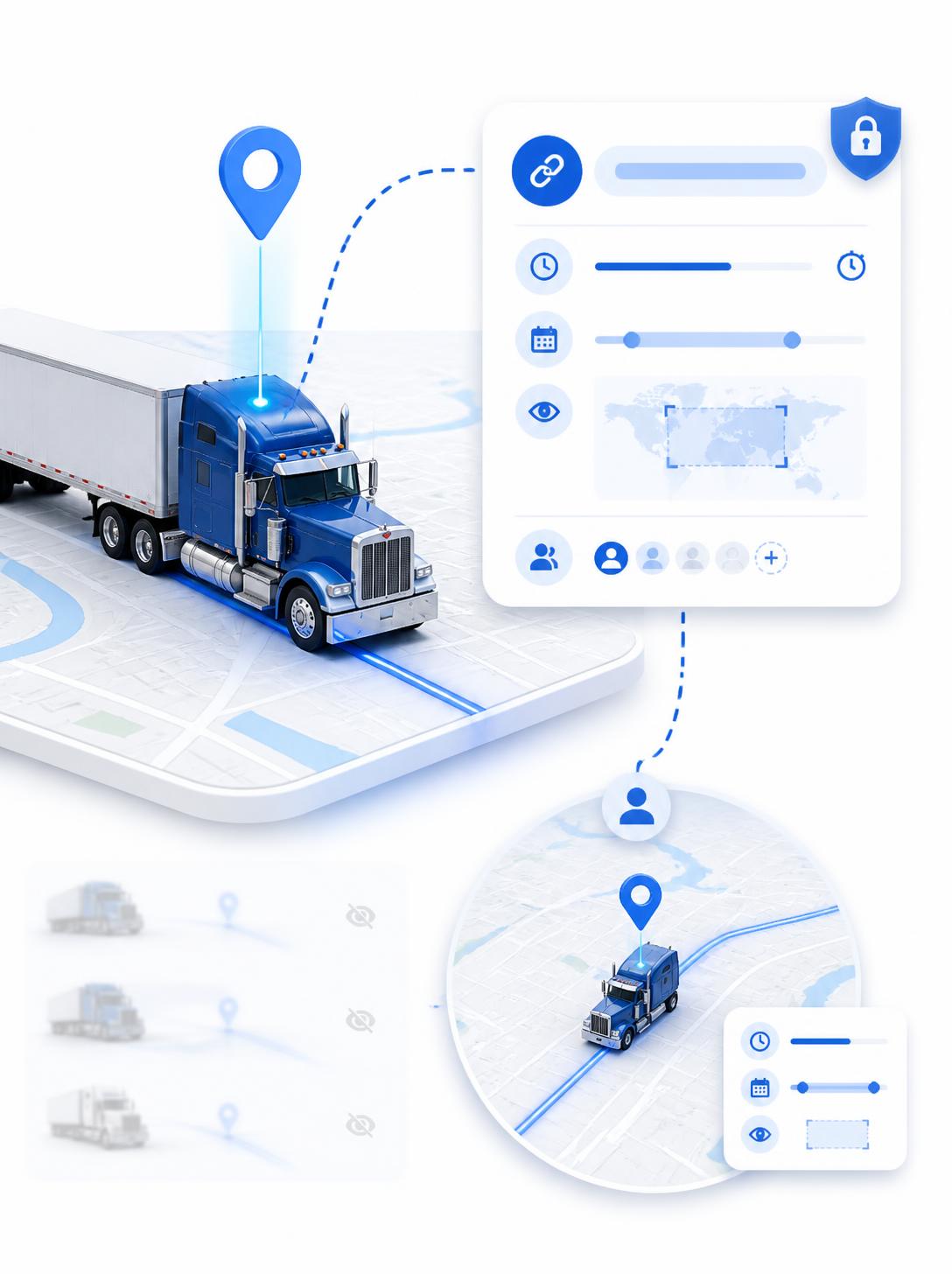
The logic is simple enough to explain in one sentence. When a fuel card is used, TrackEnsure compares the truck’s GPS position with the location of the station where the transaction is being requested. If the two don’t line up, the transaction doesn’t go through.
The current threshold is 500 meters. If the truck isn’t within that distance of the authorized station, the request is blocked and you get an alert. There’s no manual review queue to babysit and no end-of-month surprise.
That single check closes off most of the common schemes:
- Card used without the truck. Someone has the card number but the vehicle is 200 miles away. Blocked.
- Phantom fill-ups. A transaction is run at a station the truck never visited. Blocked.
- Driver–attendant collusion. Fuel is billed but partially or never delivered. Much harder to pull off when the system is checking position and logging every attempt.
None of this requires extra hardware. The module uses the GPS data your trucks are already reporting to TrackEnsure.
What the fleet manager actually sees
Fraud detection is only useful if the person responsible for it can work through the data quickly. Most of the day-to-day value here is in the interface rather than the algorithm.
Inside the fuel module you can:
- Add, edit, and bulk-import fuel stations
- Search stations by country, city, region, or station type
- See stations plotted on an interactive map
- Filter transactions by driver, truck, date, or status
- Use Show Only Errors to skip straight to the flagged and failed transactions
That last one matters more than it sounds. On a fleet of any size, the vast majority of fuel transactions are completely normal. Being able to hide them and look only at the exceptions turns a two-hour reconciliation into a five-minute one.
Every action taken with a card is logged, so if you need to reconstruct what happened with a specific driver or a specific week, the history is there with filters on top of it.
What to expect
Fleets running the module report meaningful reductions in fuel spend — in some cases up to 15%, though the number depends heavily on how much leakage was happening before. A well-managed fleet with tight card controls will see a smaller improvement than one that’s been running on trust and paper receipts.
The more consistent benefits are the ones that are harder to put a percentage on:
- Suspicious transactions get stopped instead of investigated. Prevention costs less than recovery, and it avoids the awkward conversation entirely.
- Drivers know the checks are running. Accountability improves on its own once it’s clear that location and transaction data are being compared automatically.
- Less administrative work. No manual cross-referencing of GPS logs against fuel statements.
A realistic note: no system eliminates fraud outright. Location verification closes the gap between the truck and the transaction, which covers the most common and most costly schemes. It won’t catch every possible variation, and it shouldn’t replace basic card hygiene — limits, PINs, and prompt deactivation when a driver leaves.