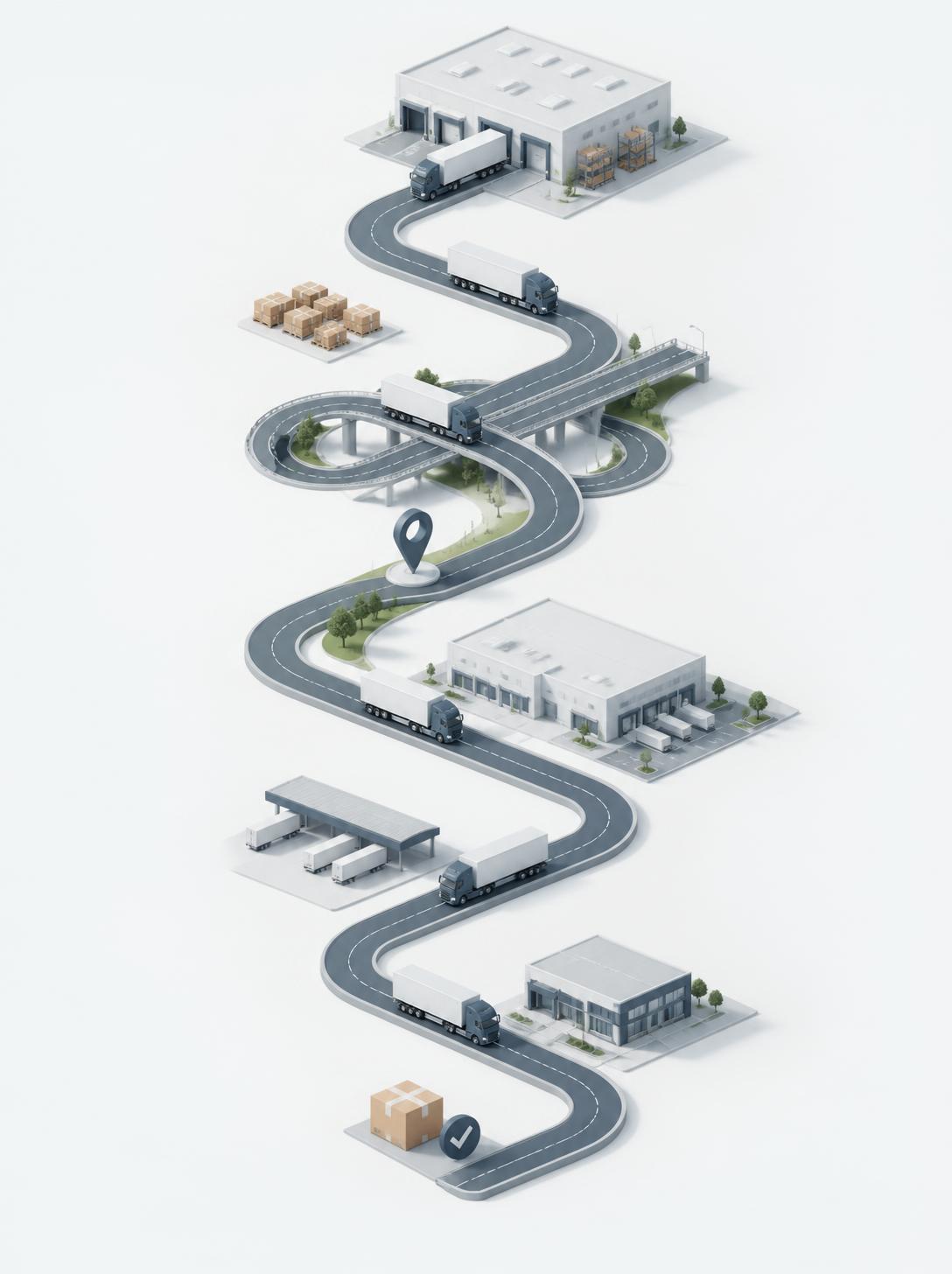
Ask any dispatcher how they used to reach a driver mid-trip, and the answer is usually some mix of phone calls, texts, and hoping the driver picks up between stops. It works, until it doesn’t — a message gets missed, a detail gets lost, and nobody has a record of what was actually said when something goes wrong later. TrackEnsure builds messaging directly into the trip itself, so a conversation about a specific load stays attached to that load instead of scattered across someone’s personal phone.
Messaging Lives Inside the Trip, Not Outside It
TrackEnsure supports two-way communication between dispatchers and drivers through two connected touchpoints:
- Dispatchers message from the Fleet Events page — the same screen where they’re already managing trip events, documents, and status changes.
- Drivers message from the TrackEnsure Driver app, directly from the trip they’re executing.
Because both sides are working from the same trip record, there’s no ambiguity about which load a message refers to. A dispatcher searching for a trip by its number lands on the exact conversation tied to that trip — not a general inbox where context has to be re-explained every time.
How It Works for Dispatchers
To reach a driver, a dispatcher navigates to Fleet Events, pulls up the trip by its number, and opens the Messaging tab. From there, they type the question or update directly into the trip’s conversation. Because this sits alongside the Events, Documents, Trip History, and Discrepancies tabs on the same page, a dispatcher can check what’s actually happening with a trip and message the driver about it without switching screens or tools.
How It Works for Drivers
On the driver side, communication happens through the Trip List in the mobile app. A driver selects the relevant trip, taps the message icon, and sends their question the same way — attached to that specific trip. If they need to see the full conversation, a Go to Messages button takes them straight to it.
Why Tying Messages to the Trip Actually Matters
This isn’t just a UI convenience — it changes what messaging is actually for:
- Context travels with the conversation. Neither side has to say “which load are you talking about?” The trip number is already the anchor.
- Nothing gets lost between shifts. A message sent to a driver’s personal phone disappears from institutional memory the moment that conversation ends. A message tied to a trip stays there for as long as the trip record exists.
- It’s part of the same operational picture. A dispatcher checking discrepancies, documents, or event history for a trip is one tab away from also seeing whether the driver flagged an issue, asked a question, or confirmed something in writing.
- It supports accountability. If there’s ever a dispute about instructions given mid-trip — a changed delivery time, a rerouted stop — the conversation is part of the trip’s own record, not a text message that may or may not still exist on someone’s phone.
Where This Fits With Other Communication Tools
Messaging complements — but doesn’t replace — TrackEnsure’s other trip communication features. Dispatchers can also set up automated Trip Notification Settings (SMS, voice call, or email) for scheduled updates, and drivers can log notes on specific events that dispatchers review separately. Messaging is the layer for direct, real-time back-and-forth — the equivalent of picking up the phone, except it’s written down, attached to the right trip, and visible to anyone on the team who needs to follow up later.
The point of building messaging into the trip itself is simple: a conversation about a load should live with that load, not scattered across someone’s call history. When a dispatcher needs to know what was said about a delayed pickup or a changed delivery window, it should take one click to find out — not a memory of who texted whom, three days ago, from which phone.